Almost every business starts with an Excel sheet: one row per deadline, a date column, perhaps some formatting that turns upcoming items red. It is free, everyone knows how to use it and it adapts to anything.
Then the deadlines reach two hundred, the file passes from person to person, and one day someone notices that a van's insurance expired three weeks ago. This guide helps you work out whether you are still at the stage where Excel is enough, or whether it is time to switch.
A disclaimer: JustFlag.it is our software. That is exactly why we will also tell you when you do not need it.
When Excel is enough
A spreadsheet does the job well when:
- there are a few dozen deadlines that rarely change;
- one person looks after them and opens the file regularly;
- you do not need to attach documents or show an inspector who did what;
- nobody else needs a reminder: employees, suppliers, consultants.
In these cases a good Excel template, with the due date, the person responsible and conditional formatting at 30 days, is a reasonable solution.
Where Excel starts to cost you
The problems all come from the same place: Excel does not come looking for you. It only shows deadlines when you open it.
- No automatic reminders. If nobody opens the file in August, August's deadlines pass in silence.
- Only one person knows how it works. Holidays, sick leave or a change of role, and the tracker stops.
- Multiple versions. "Deadlines_2026_final_v3.xlsx" on one desktop, a different copy in someone else's inbox.
- Documents live elsewhere. The inspection certificate in one folder, the policy in another, the training certificate in someone's email.
- Recurring deadlines must be recalculated by hand. After every inspection, renewal or course, someone has to update the next date.
- No history. During an inspection it is hard to show when a document was renewed and by whom.
Each of these points on its own is a minor annoyance. Together they turn into fines, vehicles off the road and expired certificates discovered during an inspection.
Excel and software compared
| Excel | Deadline tracking software | |
|---|---|---|
| Upfront cost | Already in your office suite | Free or subscription |
| Reminders before the deadline | Only with macros or external tools | Automatic, by email or notification |
| Several people working | Risk of different versions | One shared archive, with permissions |
| Attached documents | In separate folders | In the deadline's record |
| Deadlines assigned to others | By email, by hand | The contact person gets the reminder directly |
| History and inspections | Has to be rebuilt | Recorded |
| Flexibility | Total | Depends on how configurable it is |
What good deadline tracking software should offer
If you decide to switch, these are the points that really matter:
- Flexible structure: vehicles, employees, contracts, suppliers and equipment all have different fields. The software should adapt to you, not the other way round.
- Configurable reminders: days, weeks or months ahead, depending on the deadline.
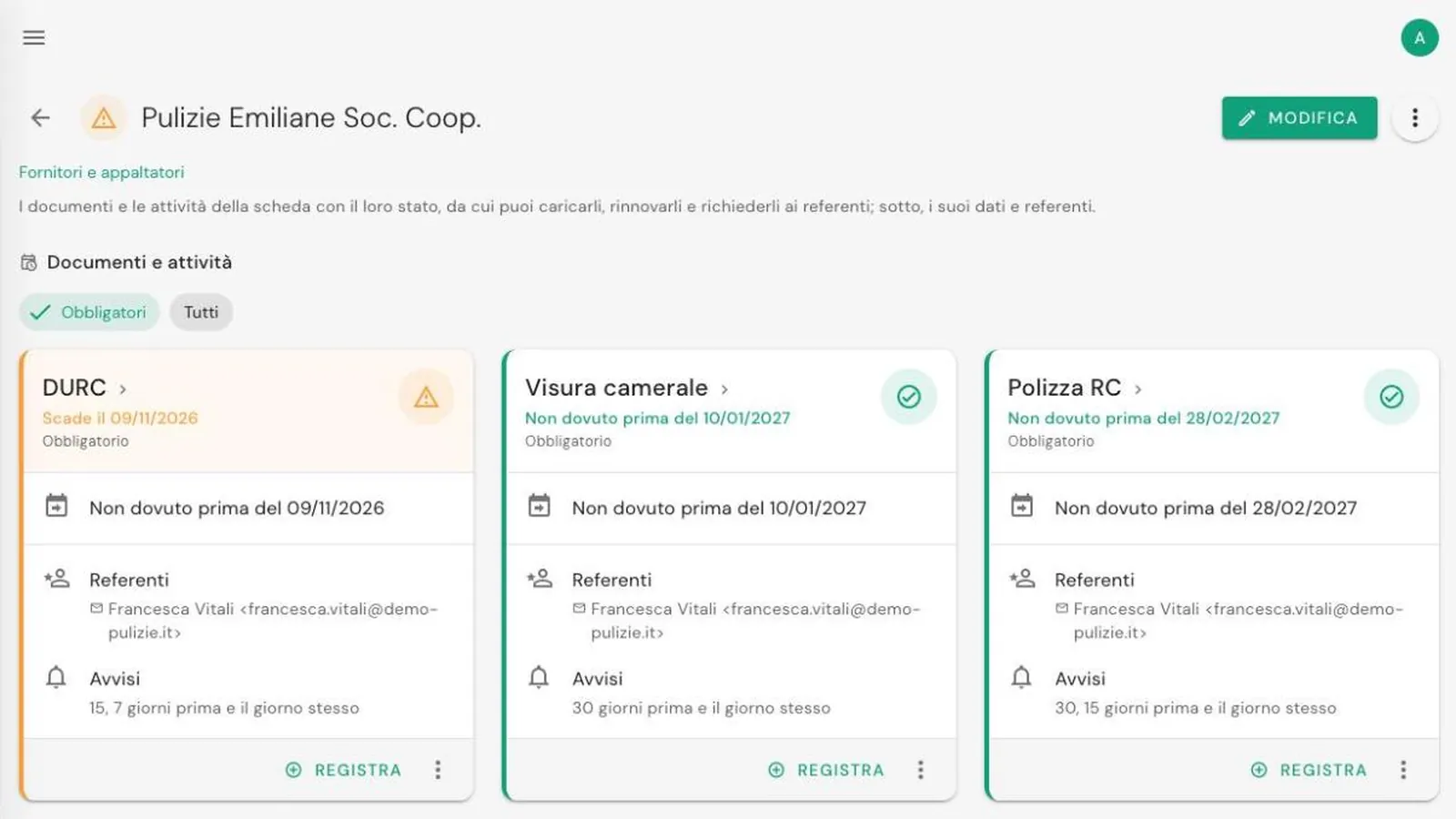
- Contact persons: every deadline has someone responsible who gets the reminder, even if they are outside the company.
- Documents attached to the record, available in seconds.
- Permissions: the fleet manager does not need to see staff documents.
- Export to Excel: your data must stay yours, and you must be able to take it with you whenever you want.
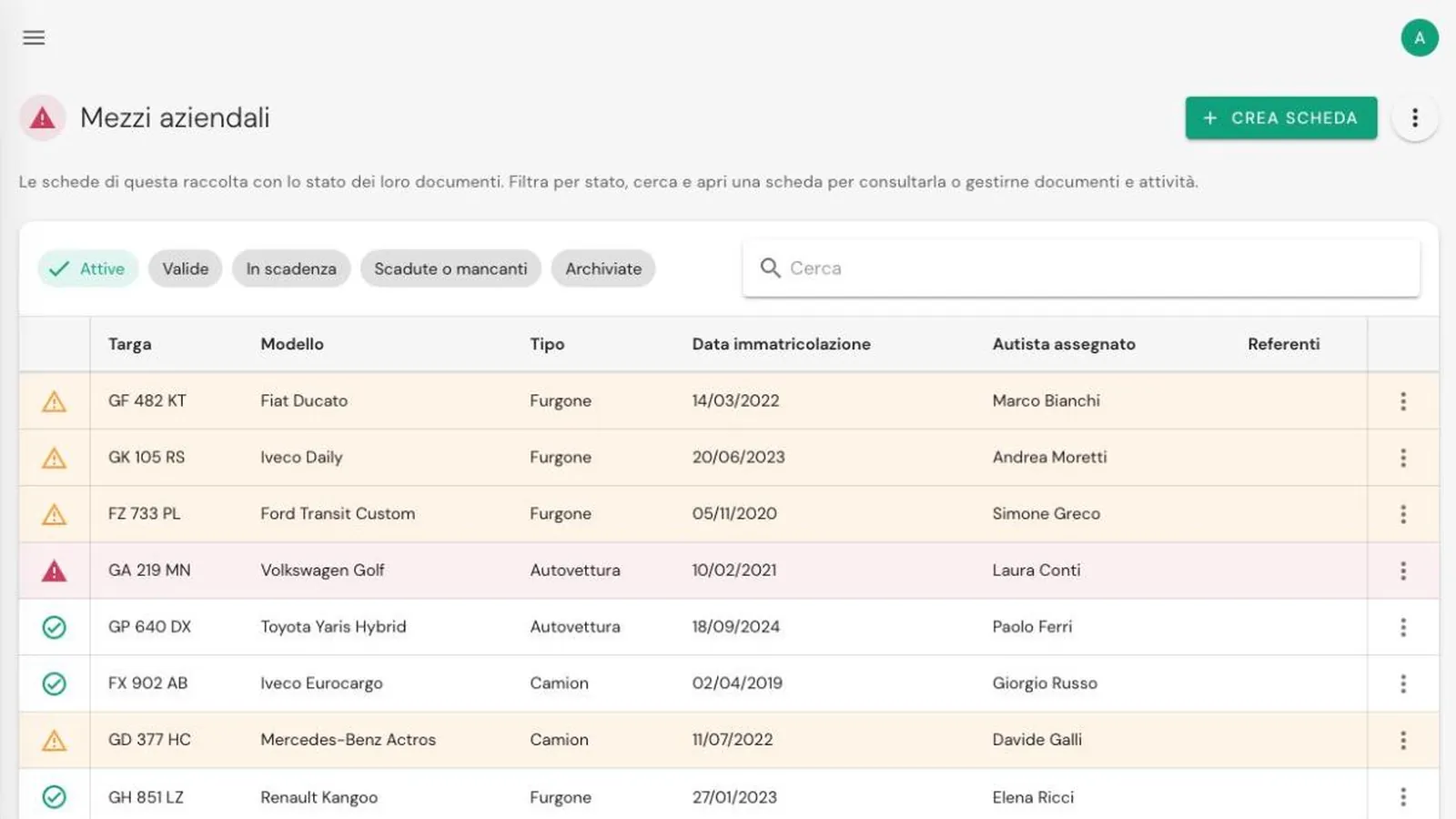
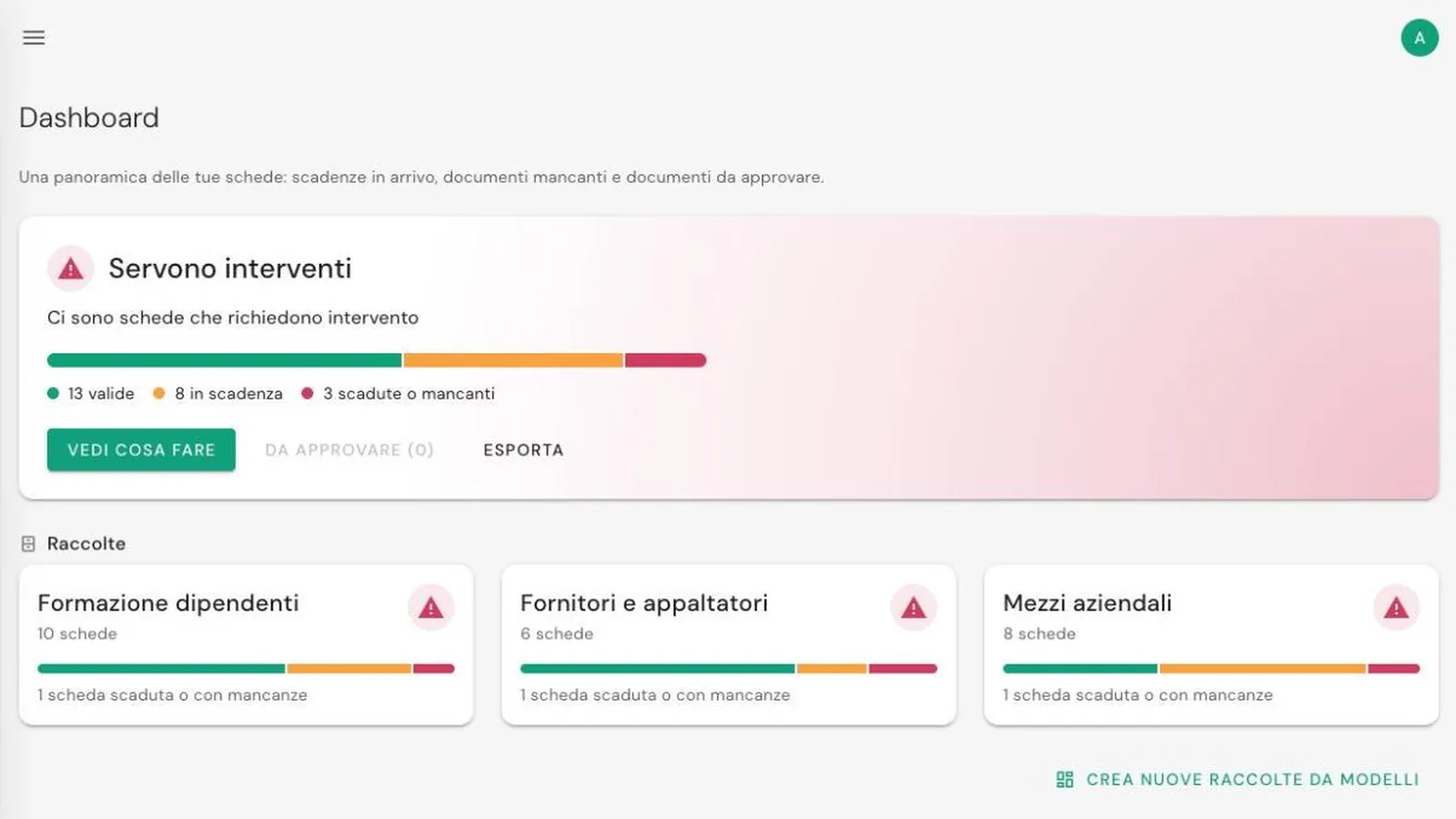
JustFlag.it is built for exactly this: you organise deadlines into collections (vehicles, employees, suppliers...) with one record for each item, and decide when reminders arrive and who handles each deadline.
In short
- Excel is enough with few deadlines, one person and no documents to attach.
- Its biggest limit is that it does not remind anyone: it only shows deadlines to whoever opens it.
- When deadlines involve several people, departments or outside parties, dedicated software soon repays the time spent switching.
Want to see how it works in practice? Read our guide to company vehicle inspection deadlines or explore all of JustFlag.it's features.
Frequently asked questions
Can you build a business deadline tracker in Excel?
Yes. With one row per deadline, a date column and conditional formatting that highlights upcoming rows, Excel works well as long as there are few deadlines and one person looks after them.
Can Excel send an email reminder before a deadline?
Not on its own. You need macros, scripts or links to other tools, which have to be maintained over time. Without them, the sheet only shows deadlines to whoever opens it.
How much does deadline tracking software cost?
It depends on the number of records and users. JustFlag.it has a Free plan with no time limit and no credit card, and paid plans for those who need delegation, permissions or more space.