A deadline tracker only works if the reminder reaches the right person, early enough. The workshop books the vehicle inspection, the supplier sends the DURC, HR organises the training course. In JustFlag.it these two things are set separately: notices, meaning when, and referents, meaning who.
Notices: how many days in advance
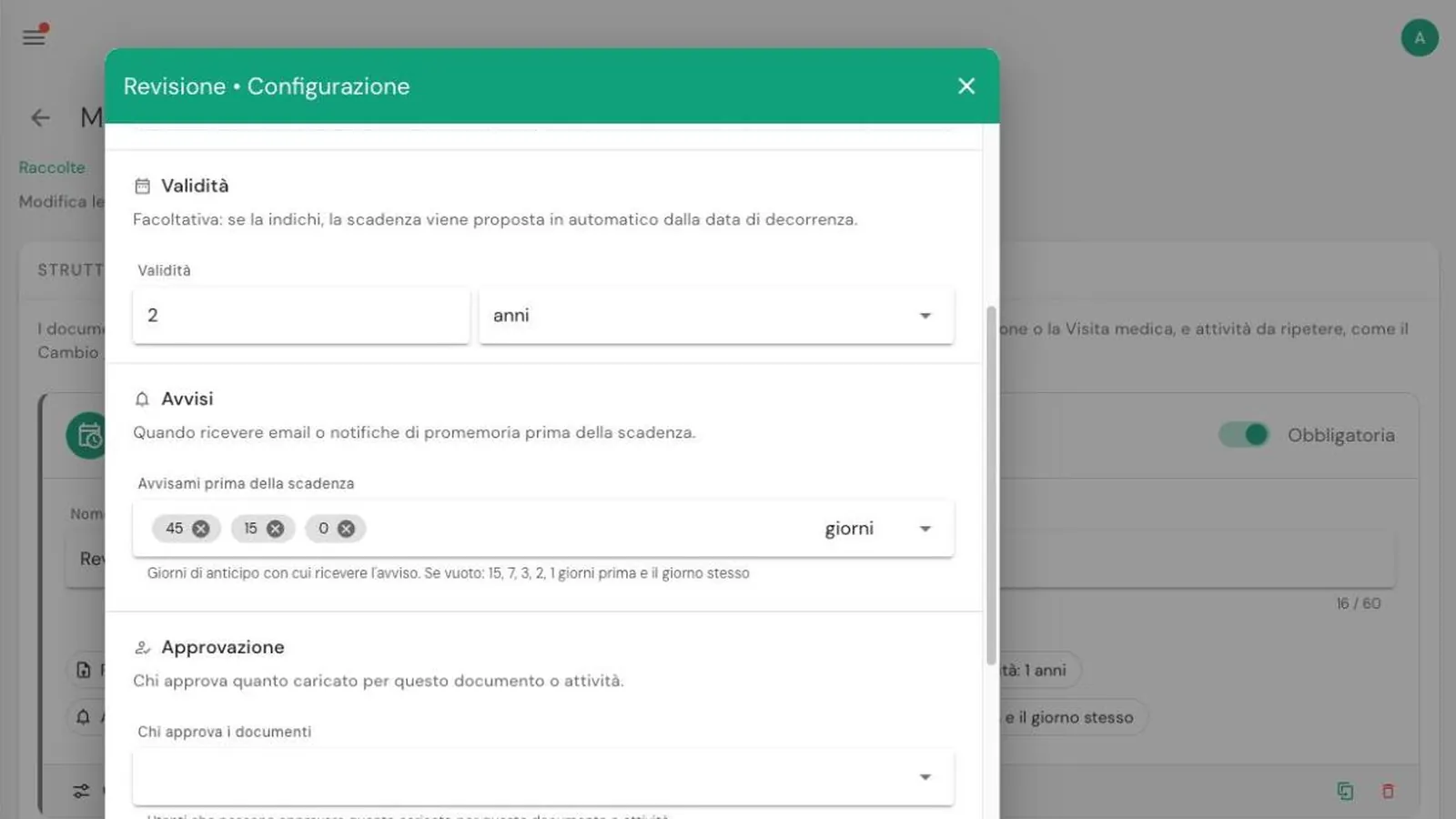
Notices are set for each document or activity. Open the collection, go to Documents and Activities, press Configure on the document and scroll down to Notices.
In Notify me before the deadline enter the days in advance, as many as you like. For example:
- Vehicle inspection: 45, 15 and 0, meaning six weeks ahead to book it, a reminder two weeks before and one on the day;
- DURC: 15, 7 and 0, because it is quick to renew but expires often;
- Training courses: 90 and 30, because courses need booking well in advance.
If you leave the field empty, the defaults apply: 15, 7, 3, 2 and 1 day before, plus the day itself.
Notices arrive by email and, if you have enabled them, as push notifications. Referents also receive regular summaries of expired or missing documents.
Referents: who receives the notice
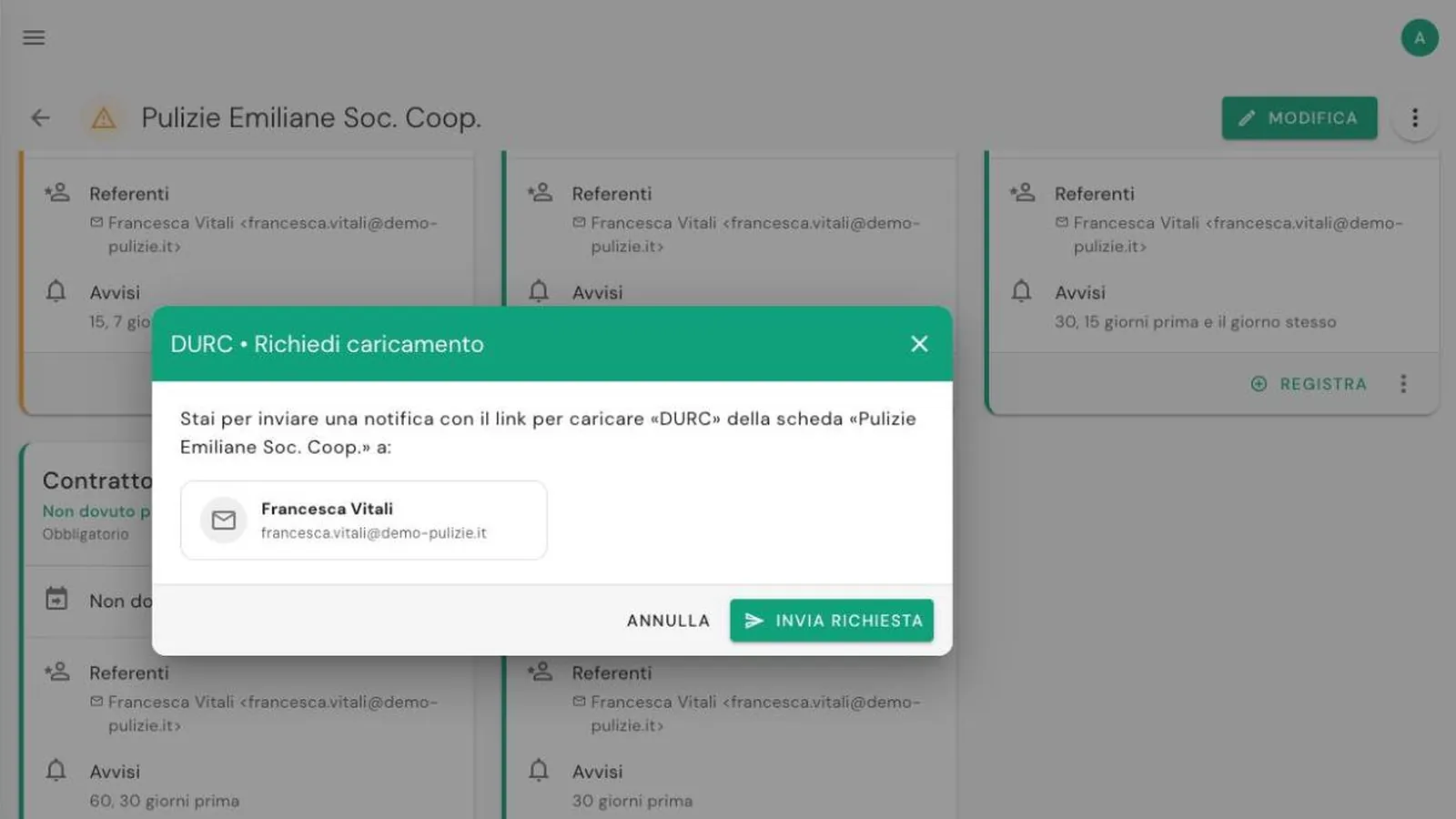
A referent is a person, with a name and an email address, who receives notices and upload requests. They don't need a JustFlag.it account: it can be a colleague, the workshop manager, your employment consultant or the supplier themselves.
Referents can be set at three levels, from the most general to the most specific:
- Collection: they apply to every record. For example, the fleet manager for all vehicles.
- Record: they apply to a single item. For example, a supplier's contact person for that supplier's record.
- Single deadline: they apply only to that document of that record.
The most specific level always wins. Collection referents receive notices when neither the record nor the document has referents of its own.
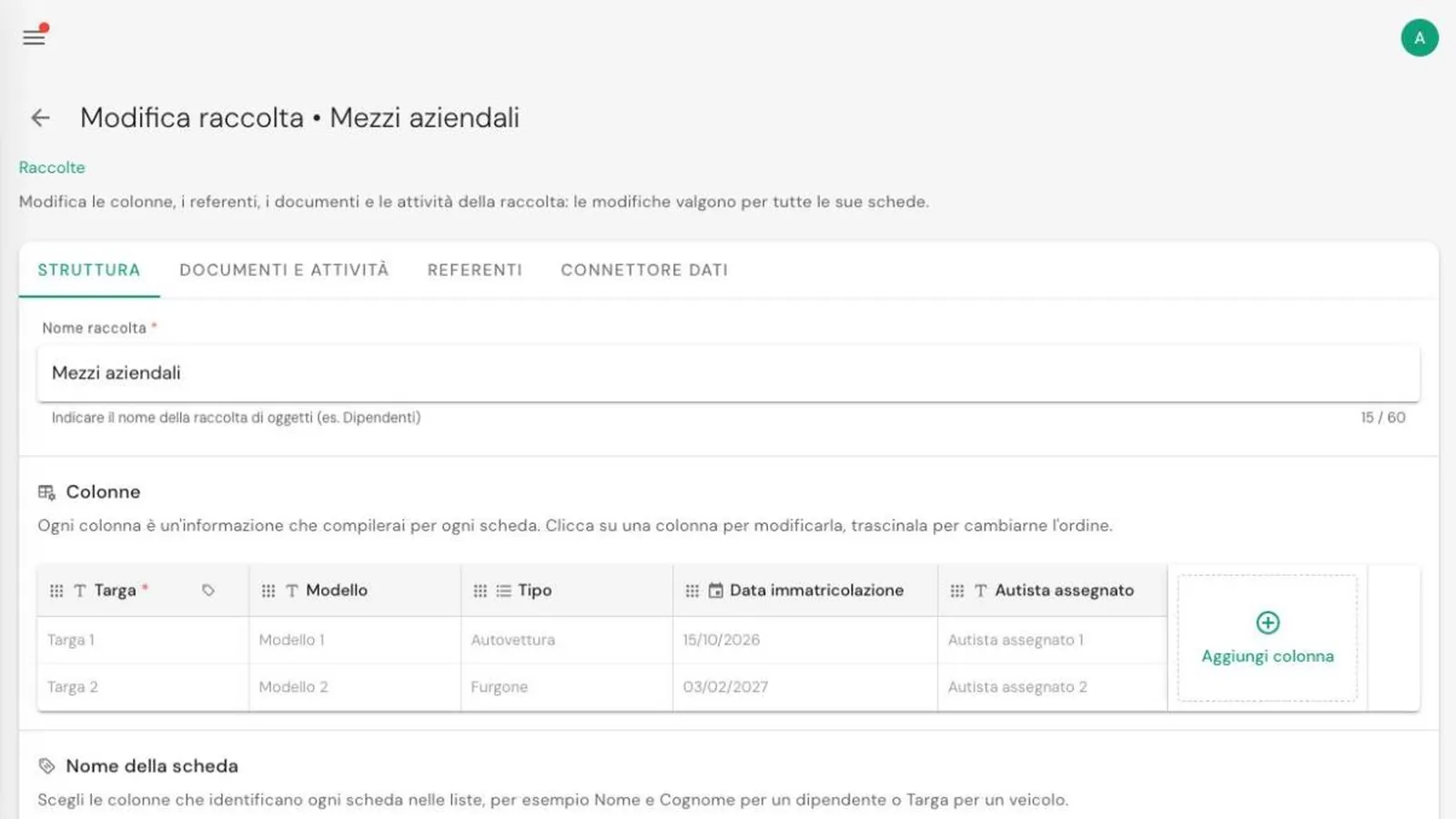
To add them to a collection: Collections → Edit → Referents → Add referent, then the email address and name. For a single record, set them when editing the record.
On each record you can always see, for every deadline, who the referent is and when notices will go out.
A complete example
| Collection | Collection referent | Specific referent |
|---|---|---|
| Company vehicles | Fleet manager | In-house workshop for inspections and servicing |
| Staff training | HR | Safety consultant for courses |
| Suppliers and contractors | Purchasing | Each supplier's contact person on their own record |
This way everyone receives only the notices that concern them, while whoever coordinates still sees everything on the dashboard.
In short
- Notices are set per document: days in advance, as many as you need.
- Referents are set on the collection, the record or a single deadline, and the most specific wins.
- Referents don't need an account: an email address is enough.
The next step is letting referents upload documents themselves: see the guide on how suppliers can upload their documents.
Frequently asked questions
If I don't set notices, will I still get a reminder?
Yes. If you leave the notices field empty, JustFlag.it uses the defaults: 15, 7, 3, 2 and 1 day before the deadline, plus the day itself.
Does a referent need a JustFlag.it account?
No. A referent is a name and an email address: they receive notices and upload requests without being a user of the platform.
Can different deadlines of the same record have different referents?
Yes. Referents can be set on the collection, on a single record or on a single deadline: the most specific one always applies.